Axis Bank Statement to Excel Online: PDF Converter for 2026 Accounting
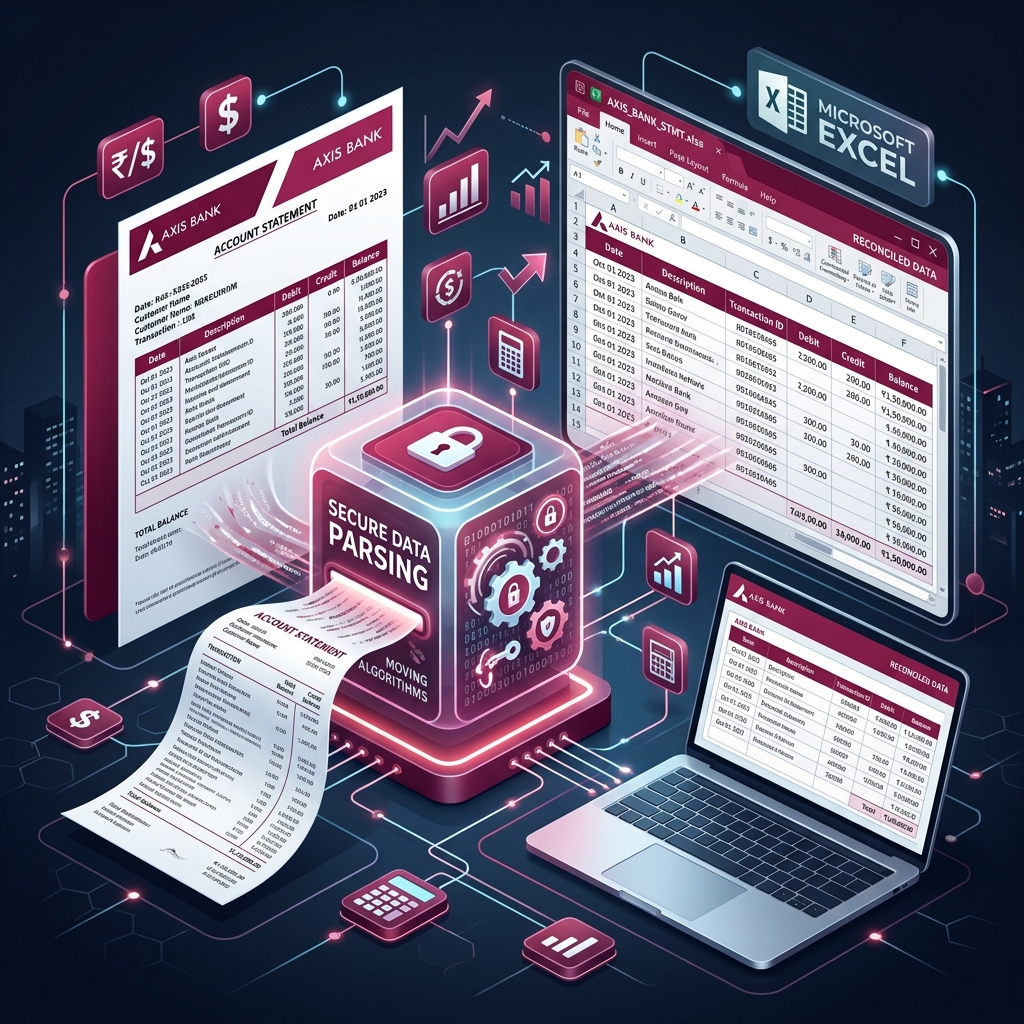
Axis Bank is one of India's largest and most innovative private sector banks. Its statements are known for being extremely detailed, providing a wealth of information about every transaction. However, for accountants and business owners, this detail can be a double-edged sword. Manually processing an Axis Bank PDF statement is a time-consuming and error-prone task. This guide will show you how to convert Axis statements to Excel with ease.
What is an Axis Bank Statement?
An Axis bank statement is a chronological record of your financial transactions, including UPI, NEFT, IMPS, and international transfers. It also captures details like Transaction ID, Value Date, and intricate narrations. For businesses, this document is the primary source for audit and reconciliation.
How to Download Axis Bank Statement Online?
Axis Bank offers several modern ways to access your transaction history:
1. Axis Mobile Banking App
Convenient for retail users on the go.
- Log in to the Axis Mobile app.
- Tap on 'Accounts' and select your account.
- Tap on 'View Statement' or 'Email Statement'.
- Select the period (e.g., 'Last Month', 'Last 3 Months').
- The statement will be saved as a PDF or emailed to your registered address.
2. Axis Internet Banking
The standard choice for corporate and business accounts.
- Log in to Axis Bank Internet Banking.
- Go to 'Accounts' and select 'Detailed Statement'.
- Choose the account number and set the date range.
- Select 'PDF' as the format and click 'Download'.
Axis Bank Statement PDF Password Format
Security is paramount for Axis Bank. E-statements are always password protected. The password format for Axis Bank individual accounts is:
First 4 letters of your name in UPPERCASE + Last 4 digits of your Account Number.
Example Case: If your name is 'AMIT KUMAR' and your account number ends with '5678', the password will be AMIT5678.
The Problem: Managing Detailed Narrations
Axis Bank statements often have very long narrations that include multiple identifiers. When using generic PDF-to-Excel tools, these narrations often get truncated or split into multiple rows, making the data unusable for professional accounting. This is where a specialized parser becomes essential.
Solution: IndiaStatement's Axis Optimized Parser
IndiaStatement's AI-driven tool is specifically trained for Axis Bank's PDF layout. We ensure:
- Full Data Extraction: No truncation of transaction narrations. Every detail is captured.
- Precise Column Mapping: Date, Narration, Chq/Ref no, Withdrawal, Deposit, and Balance are perfectly mapped.
- Handle Large Volumes: Whether you have 10 transactions or 10,000, our tool handles it with speed and precision.
- Secure and Private: We use 256-bit encryption and delete all files immediately after conversion.
Expert Guide for CAs: Audit and Compliance
For Chartered Accountants, Axis Bank statements are common in corporate audits. Using IndiaStatement allows you to:
- Bulk Process Statements: Convert multiple client statements in minutes.
- Reconcile GST: Match bank debits with GST portal payments effortlessly.
- Prepare for Tally: Get a clean Excel file that is ready for Tally XML conversion.
- Identify SFT Transactions: Quickly scan for high-value transactions that need to be reported.
Conclusion: Efficiency is the New Standard
Stop wasting time on manual data entry. Use IndiaStatement's Axis to Excel converter to streamline your accounting and stay ahead of the curve in 2026. It's the most reliable way to get audit-ready data in seconds.
FAQs (Frequently Asked Questions)
Q: Does it support Axis Current Accounts?
A: Yes! We support both Retail and Corporate Banking statement formats.
Q: Can I convert Axis Credit Card statements?
A: Yes, our tool is optimized for Axis Bank Credit Card PDF statements as well.
Q: Is there any limit on the file size?
A: Our system can handle large PDF files efficiently. If you have an exceptionally large file (e.g., 100MB+), please contact our support.
Q: Do you store my financial data?
A: No. We follow a strict 'Process & Delete' policy. Your privacy is our priority.
Ready to convert your statement?
Experience 100% accurate bank statement conversion with IndiaStatement.
Try it Now