Convert Bank of Baroda (BoB) PDF Statement to Excel Online: 2026 Guide
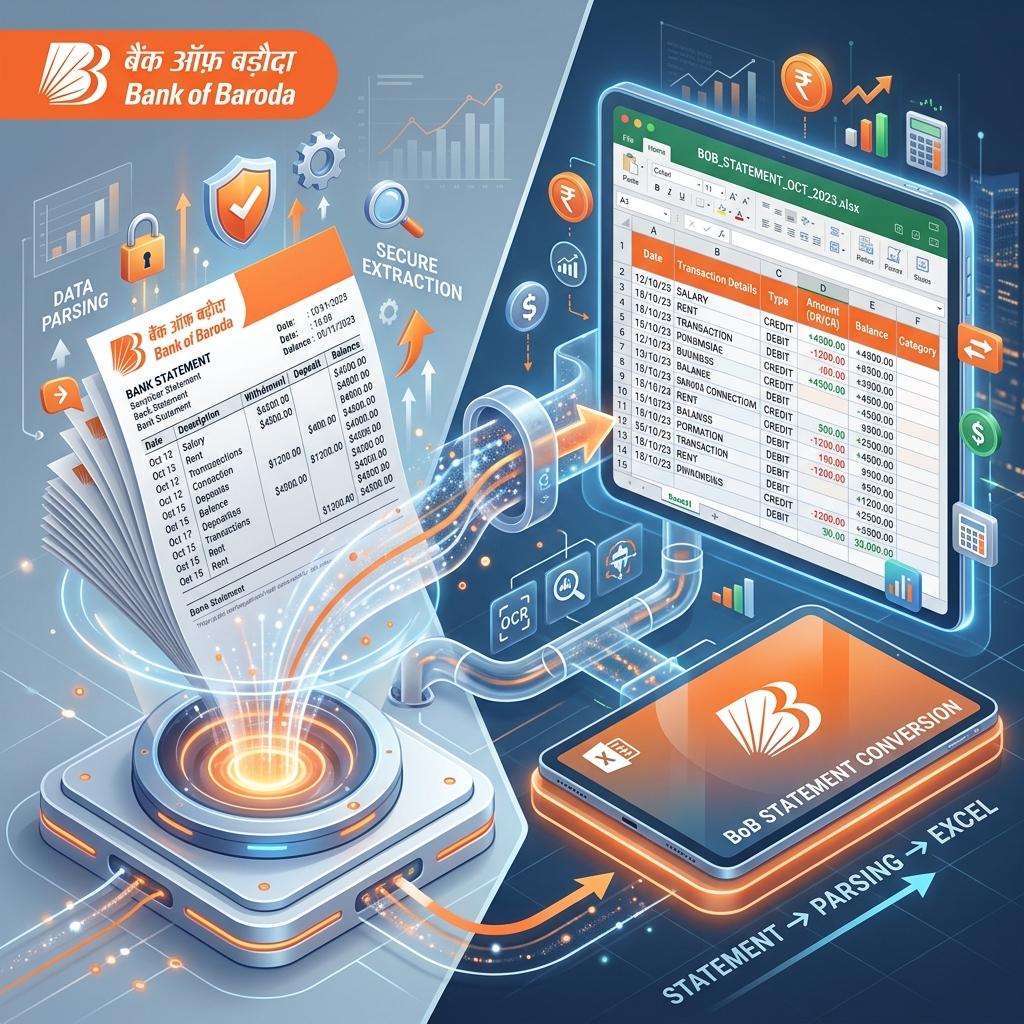
Bank of Baroda (BoB), one of India's premier public sector banks, has a massive customer base ranging from rural farmers to large urban corporations. Following its merger with Dena Bank and Vijaya Bank, BoB has become a global powerhouse. However, managing its digital statements remains a challenge for many. This guide provides a comprehensive solution for converting BoB statements into Excel for professional and personal use.
What is a BoB Bank Statement?
A Bank of Baroda statement is a chronological record of all financial movements in your account. It serves as essential proof for loan applications, visa processing, and tax audits. For business owners, it's the primary document used to track the health of their enterprise.
How to Download Bank of Baroda Statement Online?
BoB offers several ways to access your transaction history digitally:
1. Baroda Connect (Internet Banking)
This is the standard method for individual and corporate users.
- Log in to your Baroda Connect account using your User ID and Password.
- Navigate to the 'Accounts' tab and select 'Operative Accounts'.
- Click on 'Account Query' and then 'Account Statement'.
- Select the account number and choose the date range (e.g., Current Month, Last Quarter, or Custom).
- Choose 'PDF' as the download format and click 'Go'.
2. bob World (Mobile Banking App)
The bob World app is highly intuitive and allows for quick statement downloads.
- Open the bob World app and log in.
- Go to the 'Save' or 'Accounts' section.
- Tap on 'View Statement' or 'Email Statement'.
- Select the period and the statement will be generated as a PDF. You can then download it to your device or share it via email.
BoB Statement PDF Password Format
Many BoB statements, especially those sent via email, are password protected. The password format is usually your registered mobile number (10 digits). In some cases, it might be a combination of your name and DOB. Always check the bank's email for the specific rule applicable to your account.
The Challenge: Why Manual Data Entry is a Risk?
Public sector bank statements like BoB's can sometimes have legacy formatting that varies between branches. If you manually enter this data into Excel, you risk:
- Transposition Errors: Accididentally writing 567 instead of 576.
- Omitted Transactions: Missing a small but critical entry while scrolling through a long PDF.
- Time Loss: Spending hours on something that should take seconds.
Solution: IndiaStatement's BoB Specialized Parser
IndiaStatement's AI engine is trained on thousands of Bank of Baroda statement variations. Whether it's a legacy Dena Bank account or a new BoB Current account, our tool parses it perfectly.
Key Benefits for BoB Users:
- OCR for Physical Passbooks: BoB has a large rural customer base that still uses physical passbooks. Our tool can convert clear photos or scans of these passbooks into clean Excel sheets.
- Support for Merged Banks: Full support for Dena Bank and Vijaya Bank statement formats.
- Fast and Clean: No merged cells or 'junk' data. You get a professional-grade Excel table ready for analysis.
How to Use the Solution
- Download your BoB PDF statement or take a clear photo of your passbook.
- Upload the file to IndiaStatement.com.
- Enter the password if prompted.
- Click 'Convert' and download your perfectly structured Excel file.
Frequently Asked Questions
Q: Does this work for Mudra Loan accounts?
A: Yes! We support all Bank of Baroda account types, including savings, current, and loan accounts.
Q: Is my privacy guaranteed?
A: Yes. We use 256-bit encryption and follow a strict 'Process & Delete' policy. Your data is never stored.
Q: Can I use this for my BoB Credit Card?
A: Absolutely. Our tool handles BoB Credit Card PDF statements with the same high accuracy.
Q: Is there a free trial?
A: Yes, you can convert your first few statements for free to see the results for yourself.
Ready to convert your statement?
Experience 100% accurate bank statement conversion with IndiaStatement.
Try it Now