HDFC Bank Statement to Excel Converter: 2026 Guide for Businesses & CAs
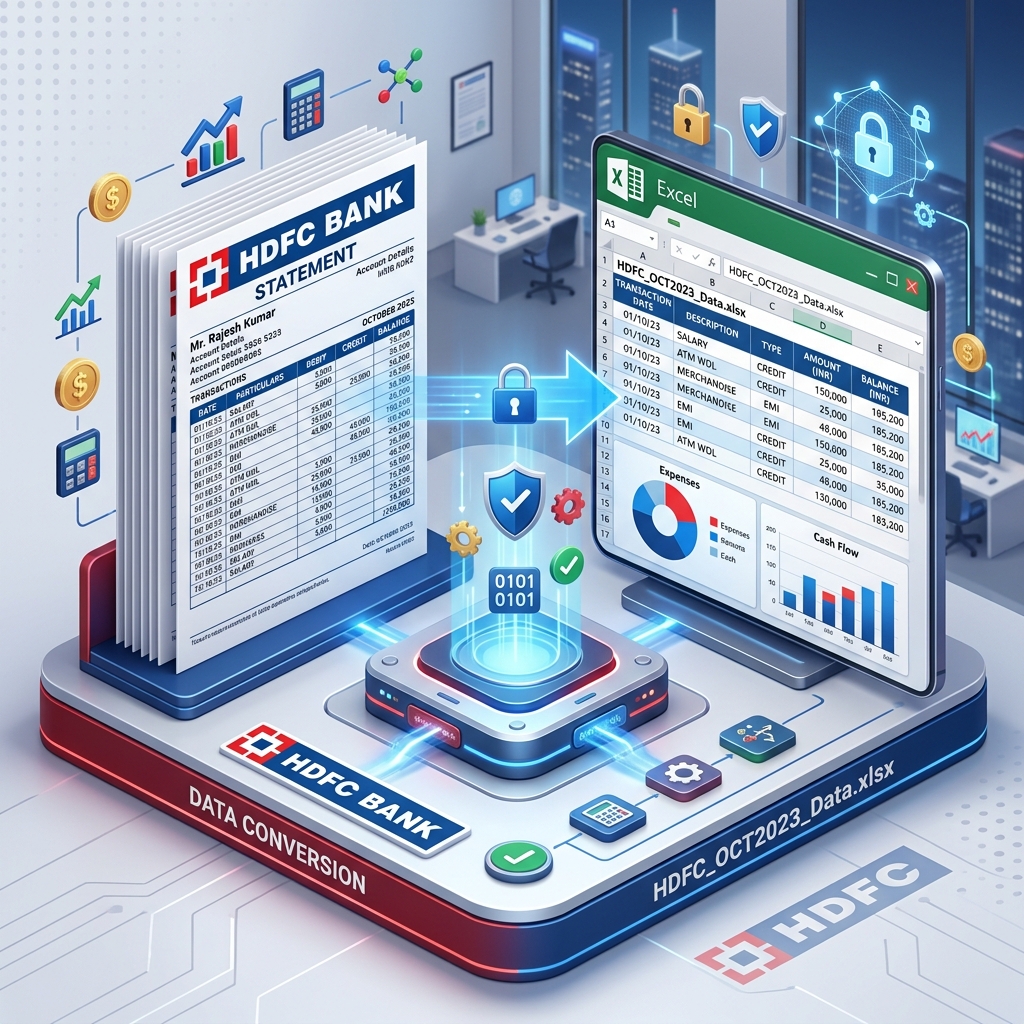
HDFC Bank, India's leading private sector bank, provides some of the most detailed bank statements in the country. However, for professionals, this detail comes with a price: complexity. Converting HDFC Bank statements to Excel is a critical task for businesses during month-end closing, GST audits, or income tax season. This guide will walk you through every step of managing HDFC statements effectively.
What is an HDFC Bank Statement?
An HDFC bank statement is a comprehensive record of all financial activity in your account. It captures everything from small UPI payments to large corporate transfers. For CAs and businesses, this document is essential for reconciling bank balances with the company's ledger. HDFC statements are notoriously detailed, often including complex narrations for NEFT, IMPS, and RTGS transfers that can span multiple lines.
How to Download HDFC Bank Statement Online?
HDFC provides multiple convenient ways to access your transaction history in PDF format:
1. HDFC NetBanking (The Best for Audits)
For a full year's statement required for tax audits, the NetBanking portal is the best option.
- Log in to the HDFC NetBanking portal using your Customer ID and Password.
- Click on the 'Enquire' tab in the left-hand sidebar.
- Select 'Download Historical Statement' from the list of options.
- Choose the account you want to generate the statement for.
- Select the period: 'Current Financial Year', 'Previous Financial Year', or enter a 'Custom Date Range'.
- Select 'PDF' as the format and click 'Download'.
2. HDFC Mobile Banking App
Perfect for quick expense tracking or checking recent transactions.
- Open the HDFC Mobile Banking app and log in using your Biometrics or PIN.
- Tap on 'Your Accounts' and select the desired account.
- Tap on 'Statements' below the balance display.
- Choose the period (e.g., Last Month, Last 3 Months).
- Select 'Download' to save it to your phone or 'Email' to receive it in your inbox.
HDFC Bank Statement Password Format
Most HDFC statements downloaded directly from NetBanking are not password protected. However, if you receive your statement via email (E-Statement), it will be encrypted. The password format for HDFC statements is usually your Customer ID.
Pro Tip: You can find your HDFC Customer ID on the first page of your chequebook, on your welcome kit, or by sending an SMS 'CUSTID' to 5676712 from your registered mobile number.
The Problem: The 'Multi-line Narration' Challenge
HDFC statements are unique because a single transaction's narration can span 2 or 3 lines in the PDF. Generic PDF-to-Excel converters often treat each line as a new row. This results in an Excel sheet where the amount is on the first row, but the full description is scattered across the next two rows. This makes sorting and filtering impossible. For a CA, this means hours of manual 'merging' in Excel.
Common Causes for Data Errors in HDFC Conversion
- Column Misalignment: The 'Chq/Ref' column often gets merged with the 'Narration' column.
- Signage Errors: Confusion between 'Withdrawal' and 'Deposit' columns due to layout shifts.
- Header Interference: Page numbers and bank addresses appearing in the middle of your transaction list.
Solution: IndiaStatement's HDFC-Specific Parser
IndiaStatement's AI engine is trained to recognize HDFC's specific layout nuances. Our parser ensures:
- Smart Merging: All lines of a single transaction narration are merged into one cell.
- Exact Column Mapping: Date, Narration, Chq/Ref no, Value Date, Withdrawal, Deposit, and Balance are perfectly separated.
- Password Handling: Simply enter your Customer ID, and we handle the decryption securely.
- Zero Data Storage: We process your data in RAM and delete it immediately, ensuring 100% privacy for your sensitive financial information.
Expert Guide for Businesses: Automating Your Accounting
For small businesses, manual bookkeeping is the biggest drain on productivity. By using IndiaStatement to convert HDFC statements to Excel, you can:
- Reconcile GST Inputs: Quickly filter all vendor payments and match them with GSTR-2B.
- Track Petty Cash: Filter small ATM withdrawals and categorize them instantly.
- Prepare for Tally: Our clean Excel output is ready to be converted into Tally XML format for bulk importing.
Conclusion: Efficiency is Key in 2026
In today's fast-paced business environment, manual data entry is a relic of the past. IndiaStatement empowers HDFC Bank customers to take control of their financial data with zero effort. Save time, eliminate errors, and focus on growing your business while we handle the data conversion.
FAQs (Frequently Asked Questions)
Q: Does IndiaStatement support HDFC Credit Card statements?
A: Yes! Our parser is optimized for HDFC Credit Card PDF statements as well as Savings/Current accounts.
Q: Is my HDFC Customer ID safe?
A: Yes. We do not store your Customer ID or your bank statement. Everything is processed and deleted instantly.
Q: Can I convert a scanned copy of an HDFC statement?
A: Yes, our OCR engine can process high-quality scans or photos of HDFC statements.
Q: What is the maximum number of pages I can convert?
A: There is no hard limit. Our system is built to handle everything from single-page summaries to 500-page corporate statements.
Ready to convert your statement?
Experience 100% accurate bank statement conversion with IndiaStatement.
Try it Now