Indian Overseas Bank (IOB) Statement to Excel Converter: 2026 Guide
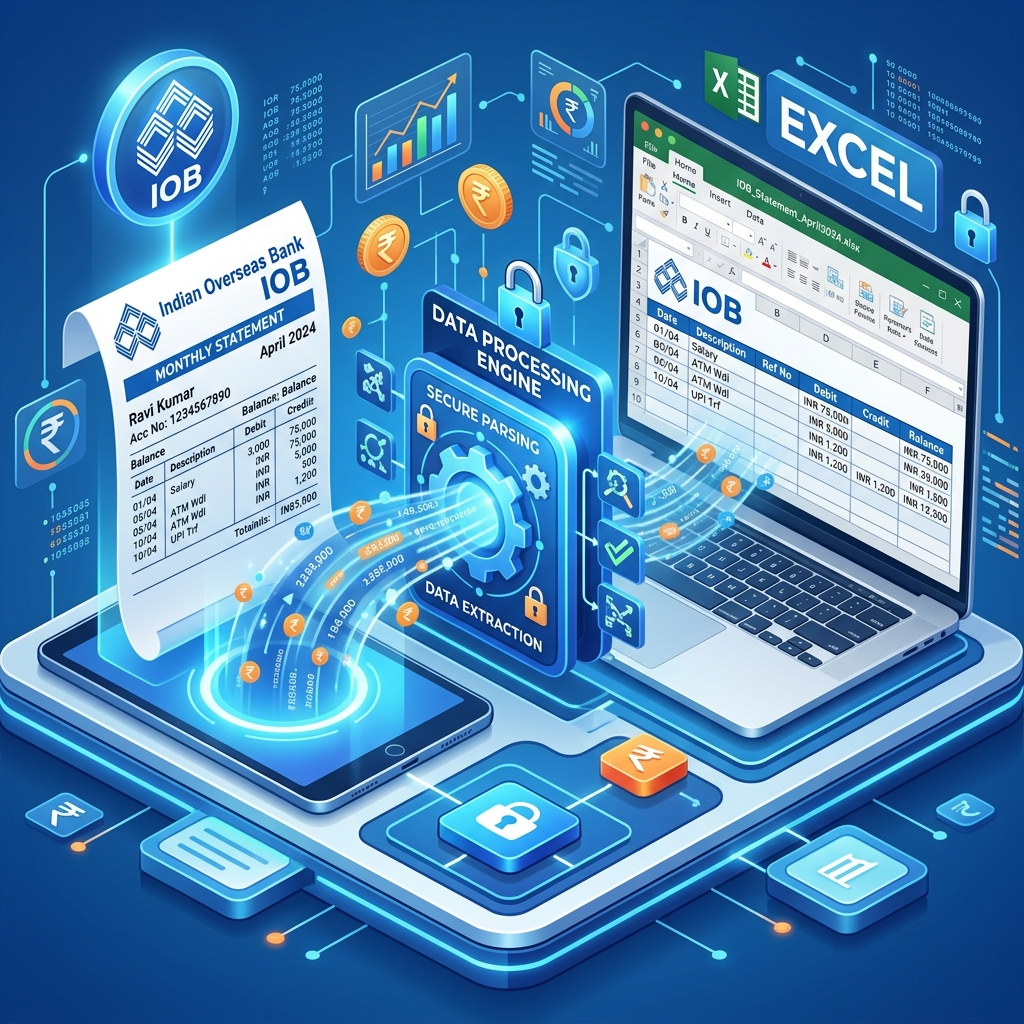
Indian Overseas Bank (IOB) is a key player in the Indian banking landscape, especially in South India. For millions of IOB customers, having an efficient way to convert their bank statements into Excel is vital for managing finances, filing taxes, and staying compliant. This guide walks you through the entire process of managing IOB statements in 2026.
What is an IOB Bank Statement?
An IOB bank statement is a chronological record of your account's financial health. It captures details like Date, Narration, Value Date, Withdrawal, Deposit, and Balance. For professionals and individuals alike, this document is the primary source of truth for all financial analysis.
How to Download IOB Bank Statement Online?
IOB provides several easy ways to access your transaction history digitally:
1. IOB Mobile Banking (mBanking)
The most convenient way for individual users.
- Log in to the IOB mBanking app using your MPIN or biometrics.
- Navigate to 'Account Summary' or 'Statements'.
- Select the account and choose the period (e.g., 'Last Month', 'Last 3 Months').
- The statement will be generated as a PDF, which you can download or email.
2. IOB Internet Banking
Best for downloading long-term statements for tax and audit purposes.
- Log in to IOB Internet Banking.
- Go to the 'Accounts' tab and select 'Statement of Account'.
- Choose the account number and set the date range.
- Select 'PDF' as the format and click 'Download'.
IOB Statement Password Format
Many IOB statements, especially those sent via email, are password protected. The password format is typically your Customer ID. If you are unsure of your Customer ID, you can find it on your bank passbook or check the email notification from the bank.
The Problem: PDF is a Dead End for Analysis
While PDF is great for security, it is a dead end for data analysis. If you need to:
- Sort Transactions: Find all payments to a specific vendor.
- Calculate Totals: Sum up your total salary or total expenses for the year.
- Import to Tally: Use your bank data in accounting software.
Solution: IndiaStatement's IOB Optimized Parser
IndiaStatement's AI-driven engine is specifically trained for Indian Overseas Bank's PDF structure. We ensure:
- Perfect Extraction: Every transaction detail is captured with 100% accuracy.
- Clean Excel Output: No merged cells or 'junk' data. You get a professional-grade Excel table.
- Privacy First: We prioritize your security and delete all files immediately after processing.
- Support for All Account Types: Works for Savings, Current, and NRI accounts.
Guide for Accountants: Streamlining the Audit Process
For accountants dealing with IOB accounts, the transaction volume can be large. Using IndiaStatement allows you to:
- Convert 12 Months of Data in Seconds: Save hours of manual entry.
- Identify Interest Income: Quickly filter for interest credits for Section 80TTA deductions.
- Prepare for GST Reconciliation: Match bank debits with GST portal data effortlessly.
Conclusion: Embrace Automated Accounting
Stop wasting time on manual data entry. Use IndiaStatement's IOB to Excel converter to streamline your financial life and focus on what matters most. It's fast, secure, and built for the modern Indian taxpayer.
FAQs (Frequently Asked Questions)
Q: Does IndiaStatement support IOB NRI accounts?
A: Yes! We have full support for all IOB account types, including NRI accounts.
Q: Is my Customer ID stored?
A: No. We do not store any personal or financial information. Everything is deleted instantly.
Q: Can I convert a photo of my IOB passbook?
A: Yes, our OCR engine can process clear photos of IOB passbooks.
Q: How do I get my data in CSV format?
A: You can choose to download the result in either Excel (.xlsx) or CSV format on our platform.
Ready to convert your statement?
Experience 100% accurate bank statement conversion with IndiaStatement.
Try it Now